How I manage AI as a Non-Developer
The tools and methodology that actually works (for me)

If you try to build anything more complex than a basic chat prompt with AI, you hit a complexity wall fast.
You ask for a feature. The AI writes the code and it works.
You ask for a second feature, and the AI quietly breaks the first one.
You try to get it fixed, the AI starts guessing instead of checking, and within a couple of hours you’re staring at a 2,000-line file of spaghetti code that you don’t have the skills to untangle. The context window is full, the AI is confused, and you have no clean way to backtrack.
As a non-developer, I had to accept that my job isn’t to write code. My job is to be the tech lead, the product manager, and the QA tester, all at once.
It’s basically the job I did leading teams at Capgemini Engineering, minus the technical expertise I used to lean on to sanity-check my own team.
To do that without losing control of the project, I built a fairly rigid tool stack and a management method to go with it.
Here’s what that looks like, and here’s where it’s already bitten me.
The stack : building a real developer environment
If you treat an LLM like a chat window, you get chat-window results: fine for a one-off script, unusable for a real product. To get something reliable, you need to give the AI a structured local environment. Here’s the setup I run before any coding starts:
Claude Code (the engine): Anthropic’s command-line tool, running directly in my terminal. It reads files, runs the test suite, and executes commands on its own, instead of me copy-pasting code back and forth from a chat window.
A dedicated developer account: I don’t run Claude Code on my personal account. It runs on a separate account with its own integrations, its own skills, and its own SMTP so it can send email under its own identity, not mine.
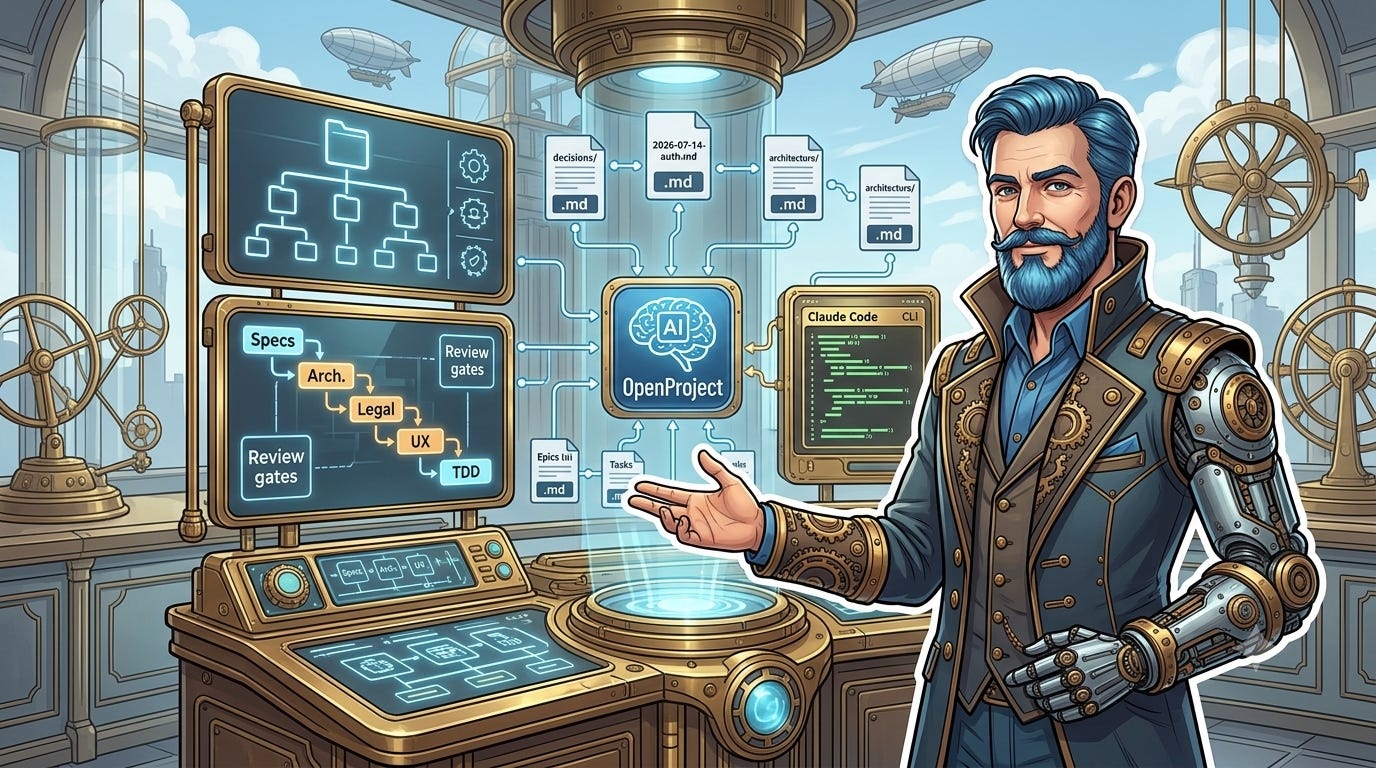
OpenProject (the brain): This is where the project structure actually lives: epics, task groups, individual tasks, subtasks, bugs. Claude has direct API access, so it pulls its own task list, updates its own progress, and logs bugs as it finds them. It can (and must by defined requirements) also assign tasks to the humans on the project (UX validation, legal sign-off, PR merging) instead of pretending it can do those itself.
GitHub (the vault): Every clean step gets committed and pushed. If something breaks, we roll back to the last known-good commit immediately rather than trying to patch our way out.
Obsidian (the viewer): Claude Code works natively with Markdown, so I keep Obsidian open on a second screen to read, link, and skim the documentation the AI generates as it works. I also have a small end-of-session skill that checks every project document has a symlink into my Obsidian vault, so nothing important is ever just sitting orphaned in a repo I’ll forget to open.
The methodology: Waterfall not Agile
Here’s my genuinely held opinion after a year of doing this : you cannot run a pure “agile” process with an AI. Agile works because humans have judgment and can pivot mid-sprint on gut feel. An AI doesn’t have that. It needs strict, sequential guardrails, or it will confidently wander off in a direction nobody asked for. So I use a hybrid: upfront design, then disciplined execution. Nothing gets coded until we’ve walked the full path below.
1. Functional specifications
We write down exactly what the software needs to do: every user flow, every edge case. I lean hard on examples from other websites or apps to anchor the request in something concrete, because “make it intuitive” means nothing to an LLM. We also set the “boring-but-critical” requirements up front: accessibility, interoperability, target devices, target users, OWASP rules, GDPR Compliances....
2. Constraints and compliance
We set the technical fences. My hard rule: open-source only, and only if the license is genuinely compatible with commercial use (permissive licenses like MIT or Apache, never restrictive copyleft like GPL). We also check the library is actually maintained. A stale, half-abandoned open-source package is a liability whether or not the license checks out.
3. Architecture and design
The functional spec (around 60 pages, in its final form) gets broken down into a technical architecture document (roughly 20 pages). From there, a design pass carves the work into discrete, coherent technical blocks, sequenced in OpenProject.
Early on, I had a rule that every single block, no matter how small, got a full review pass from a specialized Architect agent plus either a UX/UI or Legal agent. It felt rigorous. It also turned out to be a mistake I had to walk back (more on that below).
4. Test-driven development (TDD)
We don’t write application code first. We write the tests. Claude generates the test suite for a task, runs it to confirm it fails, and only then writes the minimal code to make it pass. That way, a change made three weeks from now can’t silently break something built on day one, the test suite catches it immediately.
You don’t need to understand exactly what TDD is (I barely did when I started). You just need to require it of your agent, every time, no exceptions.
The source of truth and the decision log
When you start a new session, the AI remembers nothing from yesterday. Left to guess, it will happily start rebuilding systems that already exist. To stop that, we keep a strict source of truth:
The active task list in OpenProject. Tasks currently underway are detailed and annotated. Everything further out stays high-level until it’s been through Architecture, UX/UI, and legal review.
Two core documents, in Markdown for efficiency: the functional spec, and the architecture doc.
At the start of every session, Claude’s first job is to read these. They’re the absolute boundary of the workspace, nothing gets built outside them.
We deliberately don’t rely on hidden memory files like .claude, .memory, or one giant journal.md. Those get cluttered, get overwritten, or just get ignored by the model once the file is long enough.
Instead, every real decision gets its own small, numbered Markdown file in a /decisions folder the moment it’s made. Pick a database structure, choose a library, change a flow: it gets a short file, something like:
Context: Why we needed to change the login flow.
Options considered: Pros and cons of each approach.
Decision: What we chose, and why.
Consequences: What this affects downstream.
That builds a clean, unchangeable history of the project. If the AI ever loops, or if a human developer eventually joins the project, this trail is the map of why the software looks the way it does, not just what it does.
Where this actually broke (the part I’d leave out if I were trying to look good)
A few things went wrong, and we adapt the guardrail because of that :
The review process got heavier than the thing it was reviewing.
For a while, every task, regardless of how small or how risky, triggered a full pre-dev architecture review, a legal and security pass, TDD, a second legal and security pass, and its own decision file. It felt thorough right up until I did the math: at that rate, the full project was on pace for somewhere around 900 decision files. Worse, that whole heavyweight process still missed the worst bug of one particular sprint, a real case where a live user session was never actually wired into an endpoint, so it would have silently failed for every real user while looking completely fine in review. Both review passes rated it a minor issue. It was a human reading the code line by line, not the process, that caught it.
So we rebuilt the trigger: instead of “big block gets full review,” it’s now a quick three-question score before any work starts.
Does this introduce something architecturally new?
Does it touch sensitive data?
Is it hard to undo if wrong?
Only if one of those is a real yes does the heavy process kick in.
Boring, low-risk changes get a lightweight checklist instead.
We also added two blunt rules directly because of that missed bug: never mock the exact function your test is supposed to be exercising, and any new endpoint needs one smoke test run against the real, fully running stack before it’s called done. Neither rule would have existed without that specific failure.
And don’t ask me to explain those exact rules, because and can’t clearly understand them. They come from “end of session” email reporting (another specific skill I create) where I ask for a Resume of the session, lesson learned, and Token usage
Agents get stuck in loops, and it looks exactly like the agent thinking. Agents get stuck, and “working hard” looks exactly like “stuck forever.” An agent might fall silent, appearing to think deeply, when it’s actually trapped by a blocked lock file.
To prevent this silent drift, we set a strict limit: if a 5-minute task isn’t done after 3 times its expected duration (15 minutes), Claude intervene. The fix isn’t clever, we just check the lock, Principal agent look at what’s actually happening, and recover it. It always does.
Never type a real secret into a command, even to your own AI. Early on I’d paste an API key or a token straight into a terminal command for Claude to use. That’s a bad habit independent of AI: it can end up in shell history, in logs, in a pasted screenshot. The fix is boring: secrets live in a permission-locked file the agent is allowed to read, never typed inline. Once I made that a hard rule, I stopped having to think about it at all, which is really the point of a rule like this.
f you ask Claude how to securely store API keys and passwords, it will happily lecture you on textbook security protocols.
Instead of overcomplicating it, the practical move is simple. We set up a dedicated Vaultwarden account specifically for the AI. This gives the agent secure, isolated access to the exact credentials it needs, while keeping your master vault completely safe and out of reach.
The specialist agents aren’t always right, and that’s fine. The legal agent occasionally flags something completely irrelevant to the actual regulation at hand. The point isn’t that these agents are infallible reviewers, it’s that they catch real things often enough to be worth the noise, and I’m still the one who reads their output and decides what matters.
By wrapping the AI in real project management, a disciplined design process, and a history a human can actually read, you move from prompting a chatbot to genuinely engineering software, badly at first, then less badly.
The more projects I run this way, from the DogSphere app I’m building with my daughter, to my own site at kairostech.fr, to the F3I European grants monitoring tool, the more I notice I’m using the exact same instincts I used managing teams at Capgemini. Except now I’ve also become the QA department.
There’s still plenty to sharpen, test agents that wander off, review agents that miss the point, process that gets too heavy before you notice.
But it’s a genuinely fun way to build things, and every mistake above taught me something the tidy version of this post wouldn’t have.